

Transfer emails to your favorite app without leaving Outlook
Streamline your email processes with Axontic. Experience seamless integration with your favorite tools and enhance productivity.
Click your desired mail in Outlook
Just click on the email, along with any attachments you want to move to SharePoint in your Outlook interface.
Start Axontic and choose the Sharepoint Connector inside Axontic
Simply open your add-in and attach it to your interface, then click the SharePoint connector to access it.
Choose your location manually, supported by AI with a learning curve for the future
Axontic understands your behavior for future transfers, making it easier to identify the correct location and relieve you of the burden.
Transfer Email and receive Feedback with a location link
Simply forward the email and get visual confirmation of the target folder. Continue your tasks without having to leave Outlook.
Download Axontic Connector
Connect Outlook to your favorite app and move information with just a few clicks.

Pricing plan
Choose the plan that fits your organization's needs.
No credit card required
For limited transfer and team collaboration features
- View All FeaturesTransfer FunctionalityAll Connectors5 transfers per dayTransfer-location favoritesTransfer-location AI support2mb Attachement-TransferComment & HistoryCollaboration Functionality5 Team-Members5 Team-Assigments per User per dayComment & HistoryAI-Email Assistant20 Email-summary per day5 AI-Actions per day *Axontic Secure AI-Engine
/user/mo
For unlimited team collaboration and AI supported file transfers
- View All FeaturesTransfer FunctionalityAll ConnectorsUnlimited transfers per dayTransfer-location favoritesTransfer-location AI supportUnlimited Attachement-TransferComment & HistoryCollaboration FunctionalityUnlimited Team-MembersUnlimited Team-Assigments per User per dayComment & HistoryAI-Email Assistant20 Email-summary per day5 AI-Actions per day *Axontic Secure AI-Engine
19,99€
/user/mo
Add AI Functionality to your Team & Transfer plan
- View All FeaturesTransfer FunctionalityAll ConnectorsUnlimited transfers per dayTransfer-location favoritesTransfer-location AI supportUnlimited Attachement-TransferComment & HistoryCollaboration FunctionalityUnlimited Team-MembersUnlimited Team-Assigments per User per dayComment & HistoryAI-Email AssistantUnlimited Email-summary per dayUnlimited AI-Actions per day *Axontic Secure AI-Engine
No credit card required
For limited transfer and team collaboration features
- View All FeaturesTransfer FunctionalityAll Connectors5 transfers per dayTransfer-location favoritesTransfer-location AI support2mb Attachement-TransferComment & HistoryCollaboration Functionality5 Team-Members5 Team-Assigments per User per dayComment & HistoryAI-Email Assistant20 Email-summary per day5 AI-Actions per day *Axontic Secure AI-Engine
/user/mo
For unlimited team collaboration and AI supported file transfers
- View All FeaturesTransfer FunctionalityAll ConnectorsUnlimited transfers per dayTransfer-location favoritesTransfer-location AI supportUnlimited Attachement-TransferComment & HistoryCollaboration FunctionalityUnlimited Team-MembersUnlimited Team-Assigments per User per dayComment & HistoryAI-Email Assistant20 Email-summary per day5 AI-Actions per day *Axontic Secure AI-Engine
19,99€
/user/mo
Add AI Functionality to your Team & Transfer plan
- View All FeaturesTransfer FunctionalityAll ConnectorsUnlimited transfers per dayTransfer-location favoritesTransfer-location AI supportUnlimited Attachement-TransferComment & HistoryCollaboration FunctionalityUnlimited Team-MembersUnlimited Team-Assigments per User per dayComment & HistoryAI-Email AssistantUnlimited Email-summary per dayUnlimited AI-Actions per day *Axontic Secure AI-Engine



Discover how global teams use our Outlook to app connector

Discover how global teams use our Outlook to app connector



Wir machen
Outlook effizienter
Try Axontic for yourself without any commitment.
Got Questions?
We’ve Got Answers
Find quick answers to the most common questions about how Axontic works, its features, and how it can support your team’s productivity.
Kann Mailissa in andere Tools integriert werden?
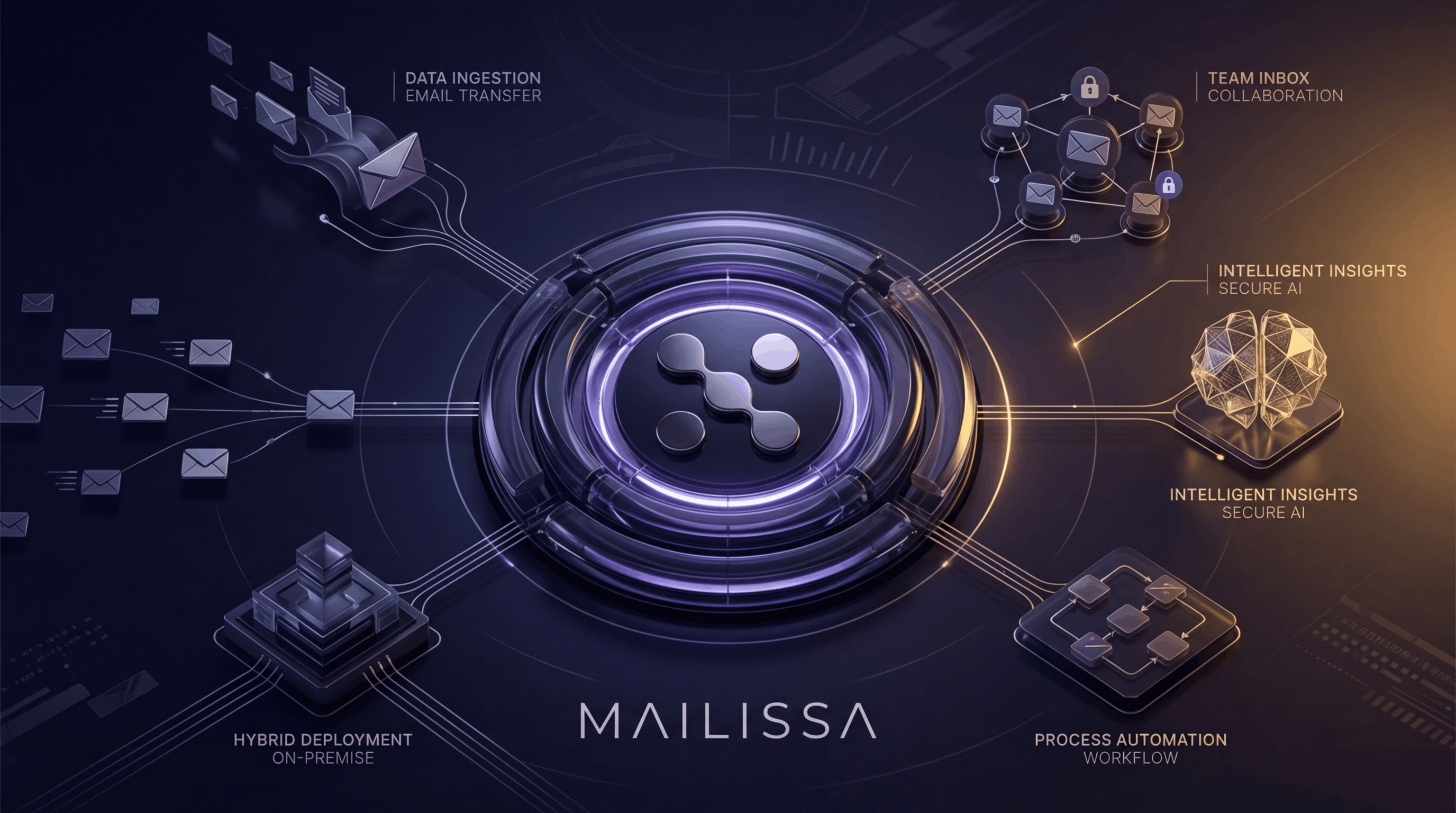
Ja. Mailissa lässt sich nahtlos in Drittanbieter-Tools integrieren. So erweitern Sie Ihre Workflows gezielt und steigern die Effizienz. Auch individuelle Integrationen sind möglich.
Wo wird Mailissa gehostet?
Mailissa kann entweder in Axontics eigener Infrastruktur in Bremen (Deutschland) betrieben werden oder – besonders für Enterprise-Kund*innen – On-Premise in Ihrer eigenen IT-Umgebung laufen. So haben Sie die Wahl zwischen einem schnellen, gemanagten Setup mit Hosting in Deutschland und einer komplett von Ihnen kontrollierten Bereitstellung, die vollständig in Ihrer Infrastruktur läuft – ideal für strenge Security-, Compliance- oder Data-Sovereignty-Anforderungen.